Hands-on beta review · September 2026
Utopia App review: what already works in the beta
This review summarises the hands-on experience of a current beta user. Top-up, swaps and bridging currently work in the test environment with BNB Smart Chain and Base. The product focuses on simple interaction and self-custody wallets. This is a dated beta snapshot, not a guarantee of features, fees or availability in every country.
Register early-access interest →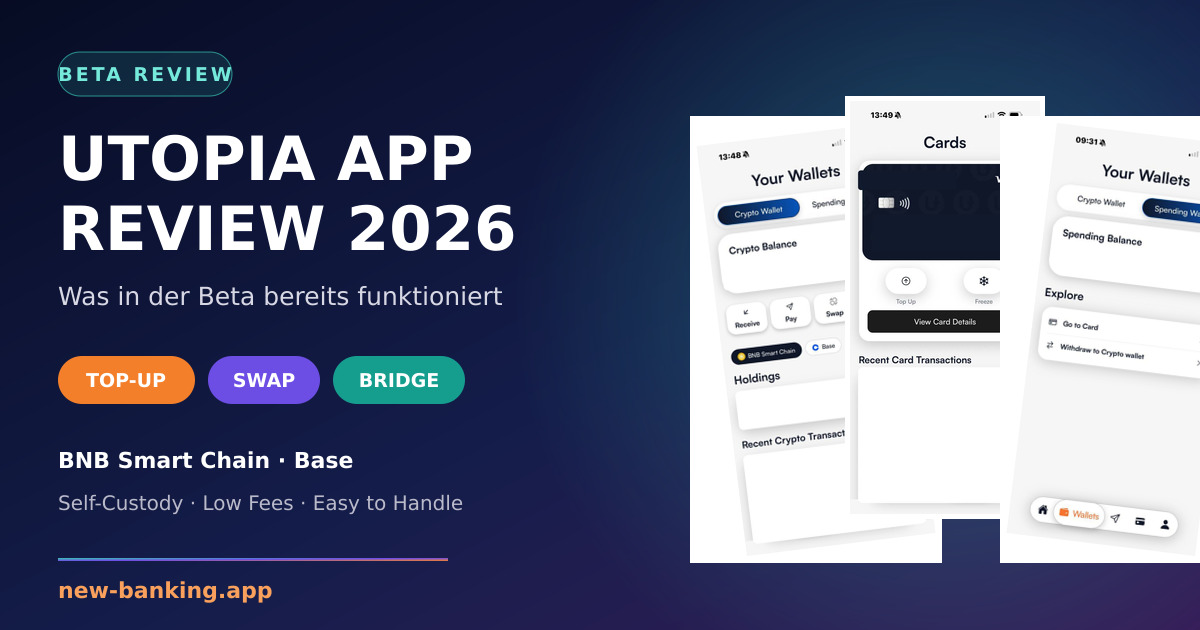
Inside the current Utopia App beta
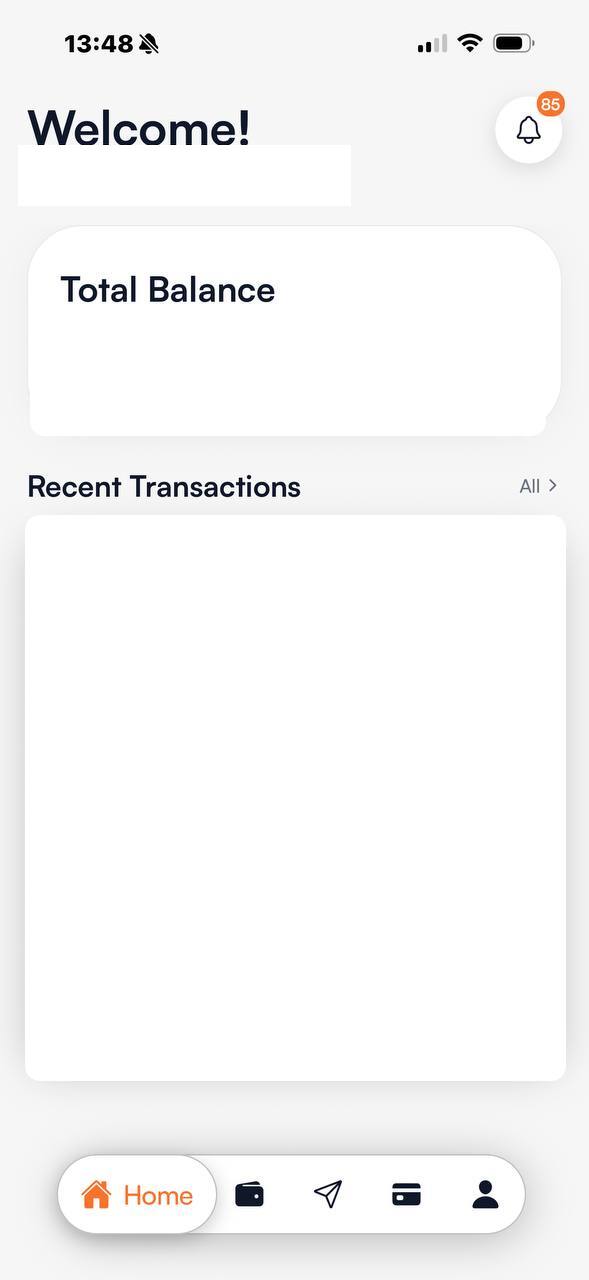
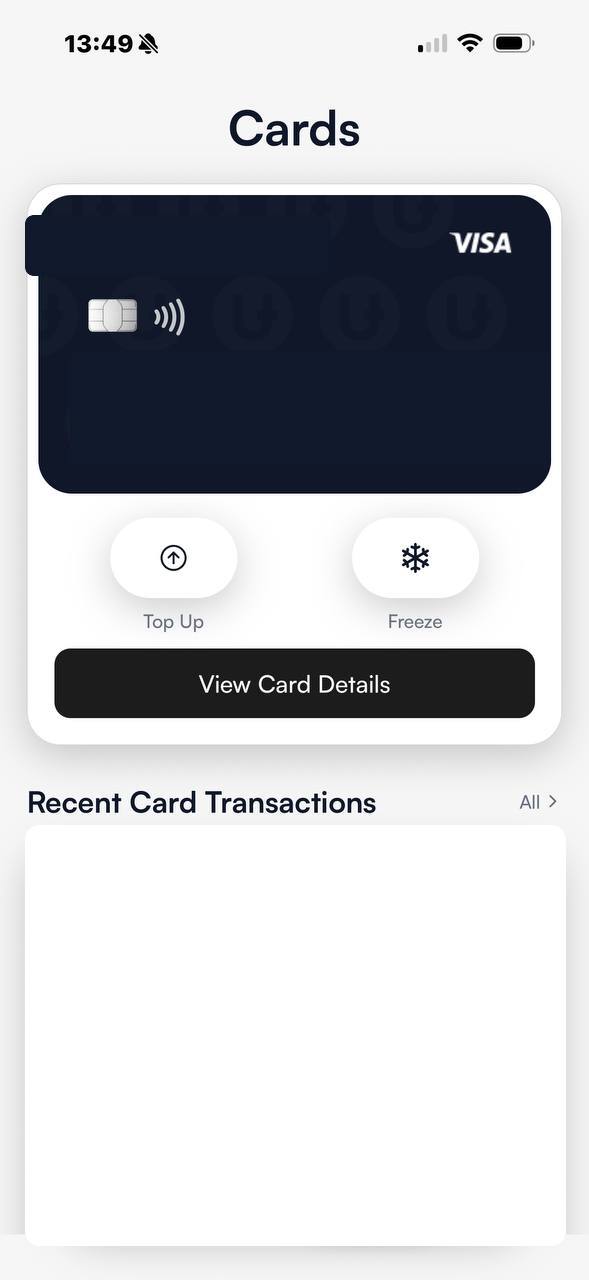
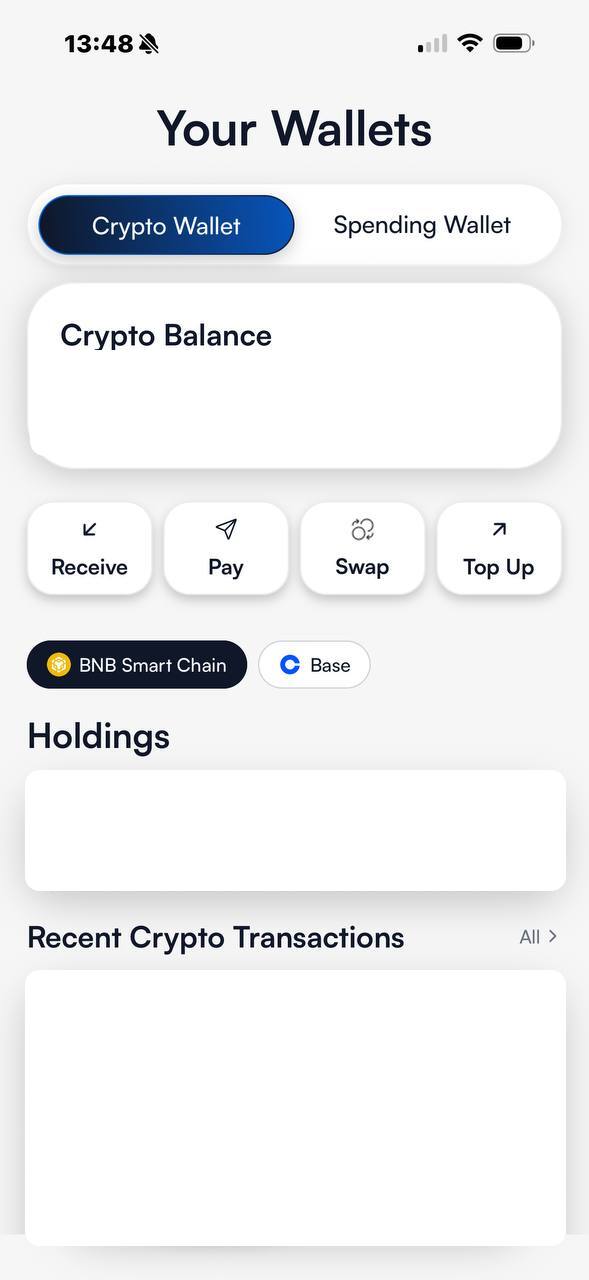
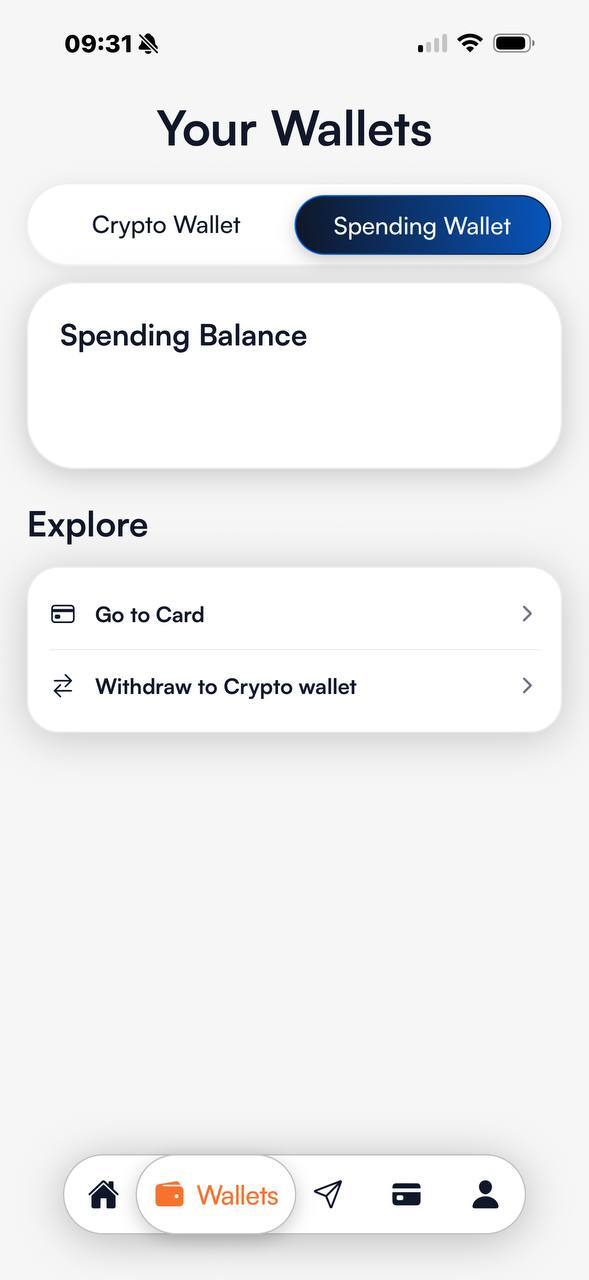
Original beta screenshots from the hands-on test. Personal, card, balance and transaction data has been fully removed.
01
Top-up, swaps and bridge tested hands-on
According to the documented beta experience, users can add supported assets, swap between available assets and bridge across supported networks. The steps are combined in one interface, reducing the need to move between several specialist applications for a straightforward swap or bridge route.
02
Currently tested: BNB Smart Chain and Base
At the time of this review, bridge flows work with BNB Smart Chain, also widely called Binance Smart Chain, and Base. Users should still verify network, destination address, asset, minimum amount, displayed fee and expected output. A working beta does not mean every token and network combination is supported.
03
More chains are planned
Available product information indicates that Tron, Ethereum, Solana and Arbitrum are intended to follow gradually. They are listed here as planned, not currently active. Timing, order, token support and country availability may change during development.
04
Self-custody is the central distinction
The app is designed around self-custody wallets, where users control their wallet keys rather than fully delegating custody to a central provider. This increases control and personal responsibility. Recovery phrases and private keys must be protected offline and cannot normally be reset like a conventional password.
05
Ease of use and fees: the current impression
The beta user describes the interface as clear, easy to handle and understandable for beginners. Even bridging can be completed without deep technical knowledge. Displayed costs were very low during the tests. That is a user experience, not a permanent price promise: network fees, spreads, routes, assets and congestion can change the final cost.
Check before every swap or bridge
A simple interface still requires a short safety check:
- Select the correct source and destination networks
- Verify the token and full destination address
- Review the displayed network fee and possible spread
- Begin with a small test amount
- Never share a recovery phrase or private key
Utopia App beta FAQs
What works in the Utopia App beta?
Top-up, swaps and bridging work in the hands-on test documented here. Exact functionality can change during beta and vary by asset, network and country.
Which blockchains currently work?
The documented test uses BNB Smart Chain and Base. Tron, Ethereum, Solana and Arbitrum are planned additions and are not described as active yet.
Is the Utopia App suitable for beginners?
The beta user found it simple and understandable, including the bridge flow. Users must still check the network, address, asset and cost carefully.
Does the Utopia App have low fees?
Costs were very low in the current hands-on test. Actual fees may vary with network activity, asset, route, spread and future pricing.
Is the Utopia wallet self-custodial?
Self-custody is a central product focus. Users are responsible for wallet keys and recovery. The custody model should still be checked for each individual function.